Don't Choose a POS System Based on Price Alone
Many restaurant owners compare only the monthly subscription fee. However, the cheapest option isn't always the most cost-effective.
A low-cost POS system may lack advanced features, inventory management, or essential integrations. As a result, you'll spend more time on manual tasks and may eventually need to switch to another platform.
Instead of focusing solely on price, evaluate how well the system supports your restaurant's daily operations.
1. Make Sure the POS System Fits Your Business
Every restaurant has different operational needs.
Before comparing solutions, ask yourself:
- How many locations do you have?
- Do you offer food delivery?
- Do you need inventory management?
- Do you use recipe and ingredient costing?
- Are you planning to expand your business?
A small coffee shop requires different functionality than a full-service restaurant or a restaurant chain.
2. Check the Available Features
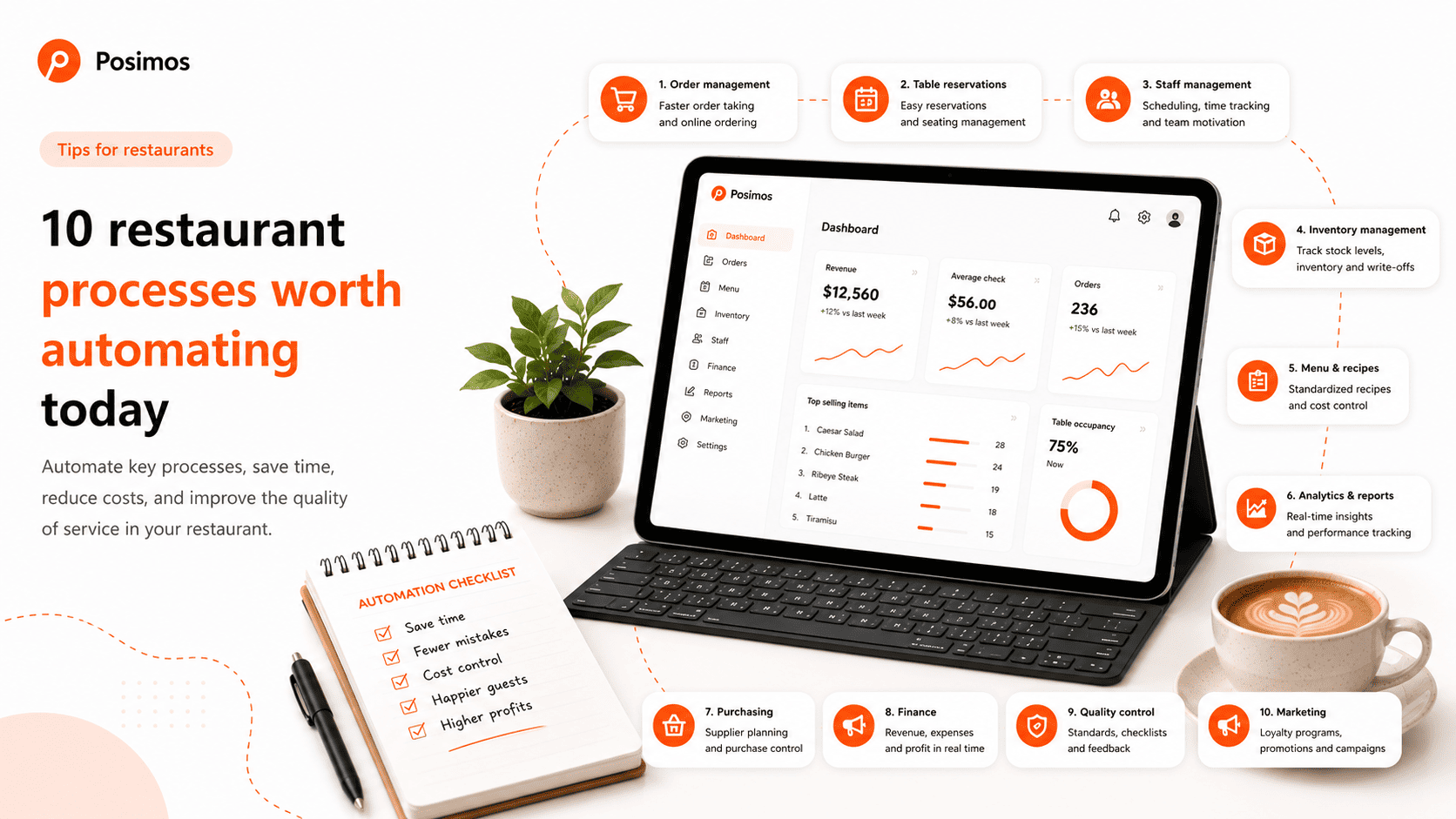
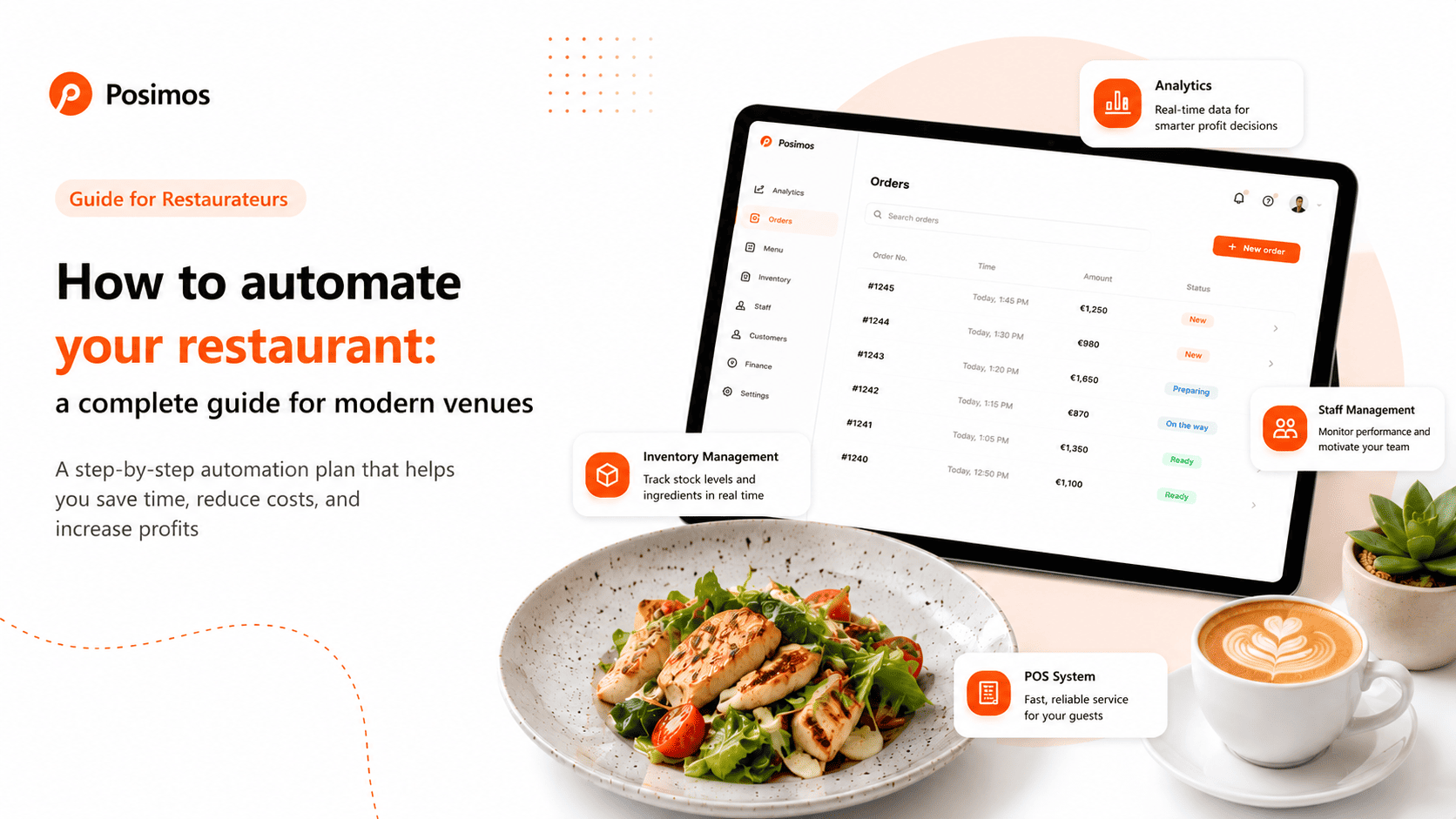
A modern restaurant POS system should automate your core business processes.
Look for features such as:
- waiter and cashier management;
- table management;
- inventory management;
- recipe and ingredient costing;
- automatic stock deduction;
- Kitchen Display System (KDS);
- sales and financial reports;
- loyalty programs;
- QR menu;
- online ordering and delivery integration.
The more processes managed within one platform, the more efficient your restaurant will become.
3. Ease of Use Matters
Even the most powerful POS system won't deliver value if it's difficult for your staff to use.
During a demo, check how easily you can:
- create an order;
- move guests to another table;
- split the bill;
- apply discounts;
- process payments.
An intuitive interface reduces training time, minimizes mistakes, and helps employees work faster during busy hours.
4. A POS System Should Help You Manage Your Business
Your POS system should be much more than a cash register. It should become your primary business management tool.
It should provide instant access to information such as:
- daily revenue;
- average check value;
- best-selling menu items;
- inventory levels;
- food cost;
- staff performance;
- financial reports.
If you still need spreadsheets to collect this information, your automation strategy isn't delivering its full potential.
5. Learn How the Implementation Process Works
Installing the software is only one part of implementing a POS system.
Ask the provider whether they help with:
- importing your menu;
- setting up recipes;
- transferring inventory;
- training your staff;
- configuring hardware.
For example, the Posimos team assists restaurants with system setup before launch, helping businesses start operations faster while reducing setup errors.
6. Don't Overlook Technical Support
Even the most reliable POS system occasionally requires assistance.
Before making your decision, ask about:
- support availability;
- average response time;
- communication channels;
- whether technical support is included in the subscription.
Fast support is often just as valuable as the software's features—especially during peak business hours.
7. Calculate the Total Cost of Ownership
Don't focus only on the monthly subscription price.
Ask whether additional fees apply for:
- implementation;
- staff training;
- additional terminals;
- integrations;
- inventory module;
- loyalty program;
- technical support;
- software updates.
Understanding the full cost will help you compare different POS solutions fairly.
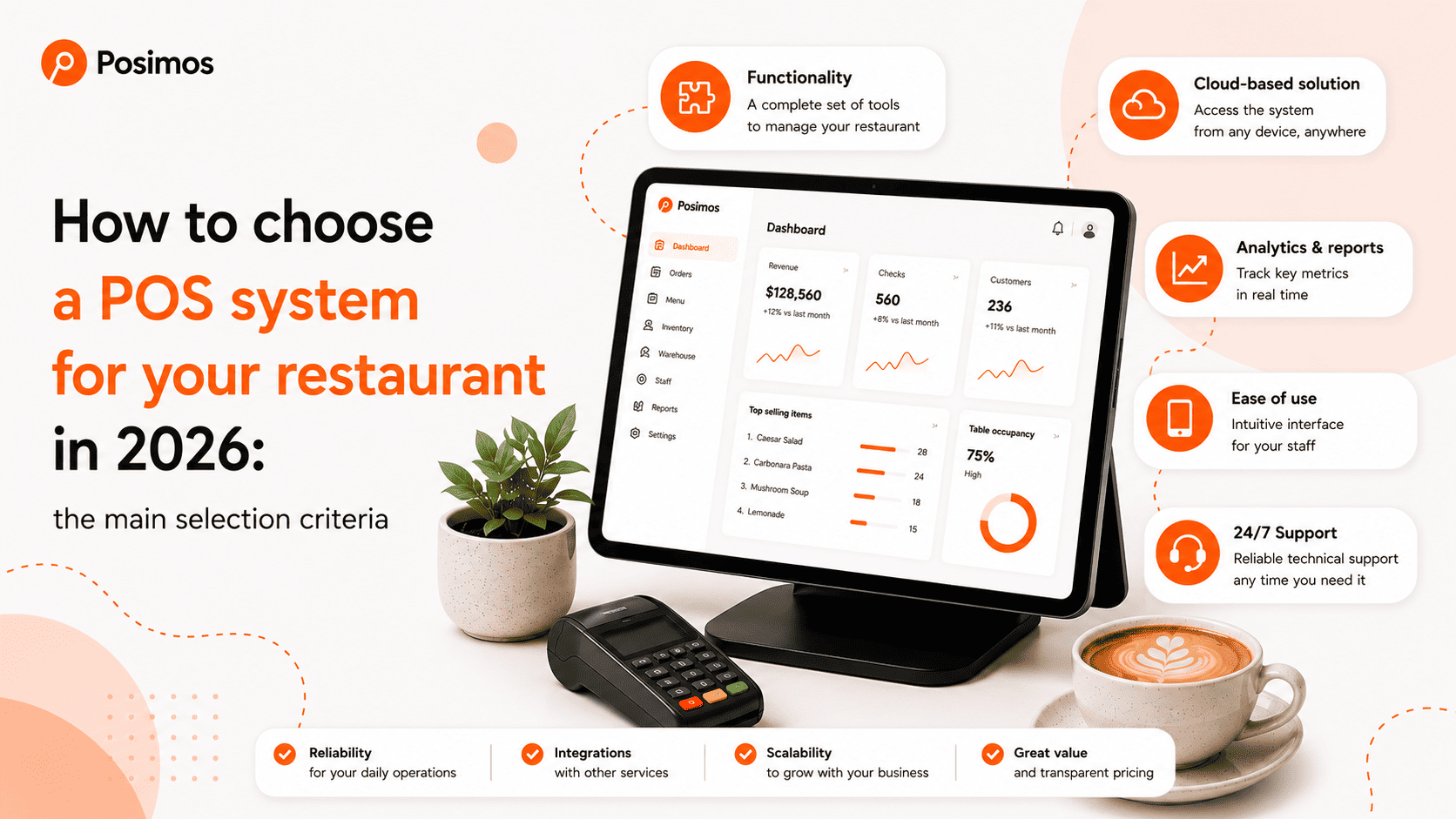
POS System Selection Checklist
Before making your final decision, make sure the system:
- ✅ fits your restaurant's business model;
- ✅ has an intuitive interface;
- ✅ supports inventory management;
- ✅ includes recipe and food cost management;
- ✅ integrates with the services you use;
- ✅ provides detailed analytics and reports;
- ✅ can scale as your business grows;
- ✅ offers reliable technical support.
Conclusion
In 2026, a POS system is much more than a payment solution. It serves as the central platform for managing your restaurant by connecting sales, inventory, kitchen operations, financial reporting, and customer service in one place.
When choosing a POS system, don't focus only on price or brand recognition. Instead, evaluate how well it fits your business processes, how easy it is for your team to use, and what level of support you'll receive after implementation.
The right POS system will help automate daily operations, reduce costly mistakes, and create a solid foundation for your restaurant's future growth.
 Oleksii Andriiuk