Posimos
For coffee shops

A POS for coffee shops that doesn't stall at 7:45 am

40 orders in 90 minutes, oat milk with an upcharge, a trainee barista on the till — Posimos handles the morning rush without queues or modifier mistakes.

15 days free · No credit card · Cancel anytime
Works without internet or power
No credit card required
24/7 support
Rating 4.9 / 5.0
Coffee shop — barista counter, morning rush

Already using

1,200+ venues

35 sec

to ring up an order with modifiers

−14%

bean and milk costs after switching to recipes

+27%

repeat visits with the digital stamp card

1 shift

for a new barista to learn the checkout

Problems we solve

We know what you deal with every day

Morning queue of 8, and the barista is still hunting for "oat, no sugar" in the menu

Drink modifiers — plant-based milk, syrups, extra shots — are on one screen. An order with three customisations takes 35 seconds.

2 kg of beans used, but why — no idea

Every drink deducts the exact amount of beans, milk, and syrup by recipe. At the end of the day you see usage to the gram and know where the variance is.

New barista gets confused — the queue gets longer

The interface is built for the counter: large buttons, hotkeys for the top 5 drinks, minimal steps. A trainee works independently from the first shift.

Guests ask for a stamp card but I give out paper ones that get lost

The digital "10th coffee free" loyalty program is tied to a phone number. No paper — the barista sees the guest's progress at the checkout.

Features

Everything you need for a specialty coffee shop

Fast counter interface

Top drinks on the main screen, modifiers in one tap — the queue moves even if the barista is on their second day.

Modifiers and upcharges

Oat, almond, lactose-free milk — each option with its own upcharge applied automatically, no manual maths.

Bean and milk tracking by recipe

Espresso — 18 g beans, flat white — 30 ml milk. Deductions happen on every sale, stock updates in real time.

Stamp card and loyalty program

Digital "10th free" without paper. Bonus points per spend, e-wallet for regulars, birthday coffee.

Takeaway orders and QR codes at tables

Up to 70% of orders are takeaway. For those sitting in, a QR code at the table. The counter handles both without friction.

Pre-orders

Guest orders via a link or QR — coffee is ready when they arrive. Shorter queue without extra staff.

Retail bean sales

A 250 g bag of beans is sold as a regular menu item. Stock decreases for both drinks and retail — one till, one inventory.

Owner reports for a chain

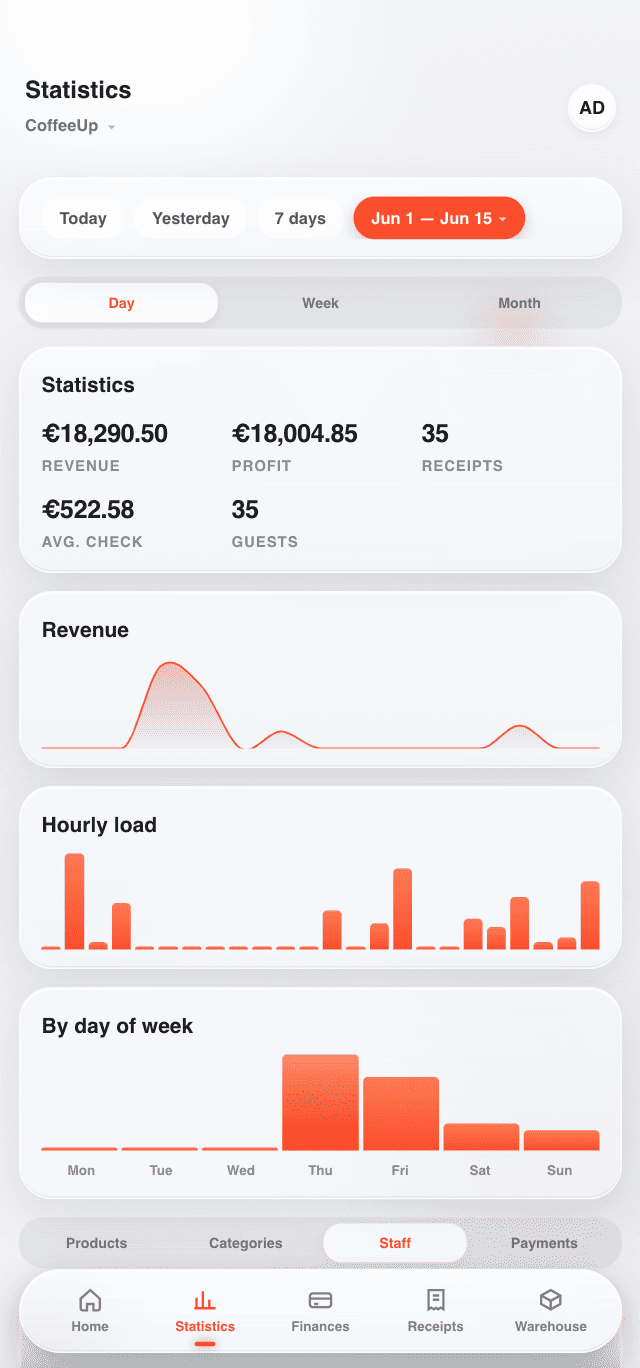
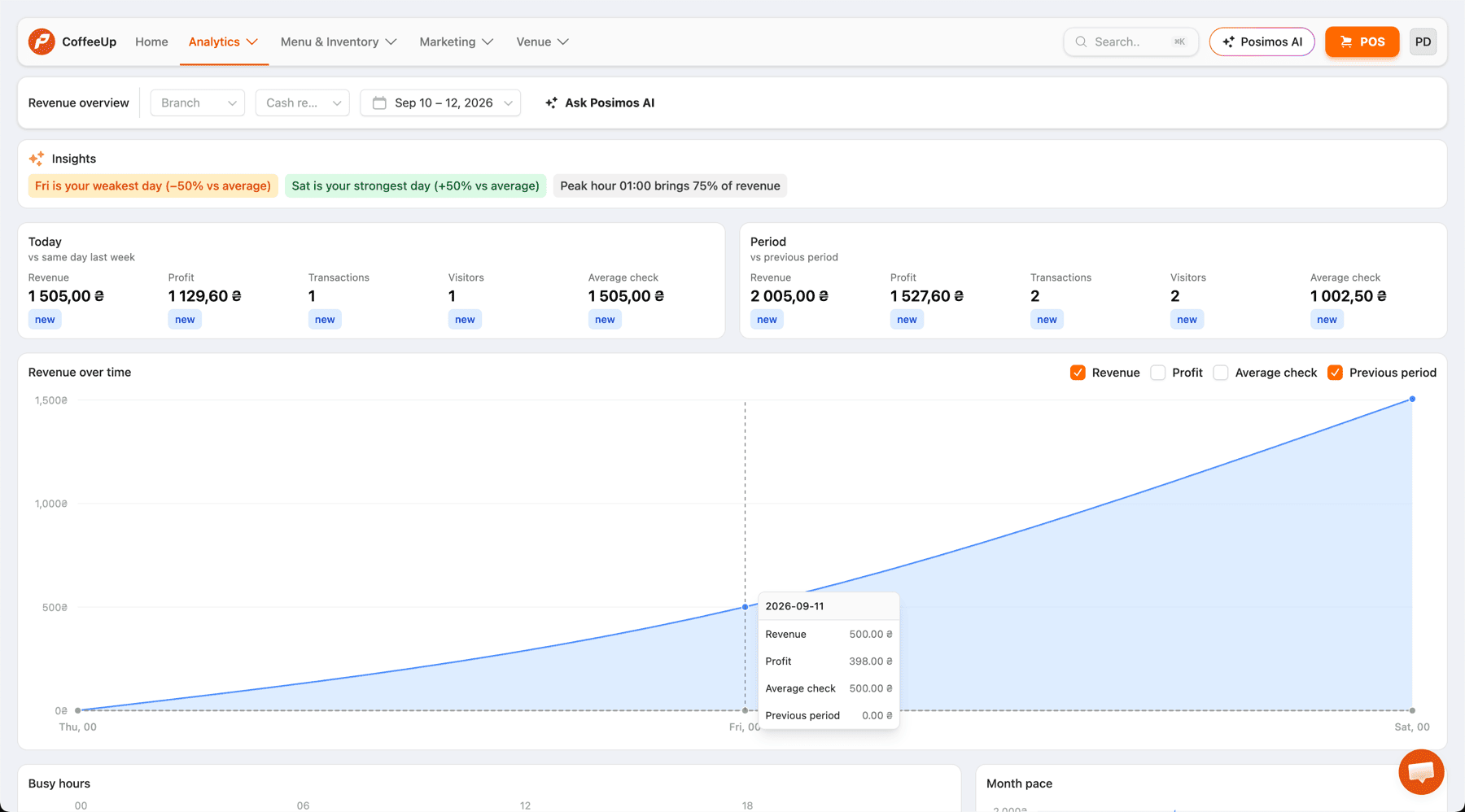
Revenue per location, bean and milk spend, barista comparison — all in one dashboard. Make decisions based on numbers.

Fiscal receipts & PRRO

Fiscal receipt on every sale, including Apple Pay and Google Pay. Offline mode during power outages — no receipt is ever lost.

What you get

Full control from day one

  • Order with modifiers in 35 seconds
  • Bean and milk tracking by recipe to the gram
  • Digital stamp card — no paper equivalents
  • Milk alternative upcharge applied automatically
  • Retail bag-of-beans sales on the same till
  • Pre-orders and QR codes at in-house tables
  • Offline mode during power or internet outages
  • New barista trained by the system in 1 shift
Coffee shop with Posimos — barista counter

Rating 4.9 / 5.0

Pricing Plans

Pricing Plans Posimos

15 days free. No credit card required. Upgrade or cancel anytime.

Starter
POS, inventory & basic analytics for small venues
Start free
  • Up to 200 menu items
  • POS for iOS, Android, Web
  • Offline mode
  • Inventory: stock, supplies, write-offs
  • Reports & analytics
  • Receipt printing
Pro
For large venues with advanced accounting & support needs
Contact us
Everything in Business, plus:
  • Up to 2,000 menu items
  • Table reservations
  • Network & franchise management
  • Priority support
  • Personal manager
Features
Starter
Business
Pro
POS Terminal
POS for iOS, Android, Web
Take orders from a tablet, laptop, or smartphone on any platform
Offline mode
The POS keeps working without internet — data syncs automatically when the connection is back
Floor plan
Arrange tables on a floor map so waiters can serve guests faster
Table reservations
Create, confirm, and cancel reservations directly from the POS
Menu
Menu items limit
Maximum number of products and recipe cards you can add to your menu
200
500
2000
Menu management
Add categories, manage pricing, and track the cost of each dish
ABC analysis
Evaluate each menu item's performance by sales volume and margin
Dish modifiers
Offer guests different toppings, add-ons, and preparation options
Stop list
Instantly hide unavailable dishes from the POS and QR menu
Available as an additional module from the marketplace
QR menu & reviews
Guests scan a QR code to see the live menu and leave feedback
Available as an additional module from the marketplace
Warehouse
Stock, supplies, write-offs
Track purchase prices, monitor stock levels, and write off spoiled items
Inventory counts
Regularly compare actual and expected stock to prevent theft and losses
Stock movement report
Analyze every product's movements over a chosen period — arrivals, usage, write-offs
Supply import from Excel
Upload an Excel file with your invoice — the system creates the supply automatically
Will be available soon
AI-powered supply creation from invoice photo
Photograph an invoice — AI recognizes items and generates the supply entry
Will be available soon
Disassembly & processing acts
Break down whole products into ingredients or reprocess stock into new items
Will be available soon
Finances
Reports & analytics
Key business metrics on a clear dashboard with flexible filters and charts
Cash register shifts
Monitor cash flow in each register and spot discrepancies at every shift close
Cashflow report
Track net cash flow including all income, expenses, and transfers
Sales monitoring from smartphone
Check real-time financial reports from your phone wherever you are
Bank statement import
Import bank statements for automatic financial record-keeping
Will be available soon
Bank terminal integration
Connect a payment terminal for fast card payments at the register
Will be available soon
Kitchen
Receipt & kitchen ticket printing
Connect a printer via Ethernet, USB, or Bluetooth for receipts and kitchen tickets
Workshops
Route orders to specific kitchen stations for organized printing and production tracking
Kitchen display system (KDS)
Display orders on a kitchen screen instead of paper tickets
Will be available soon
Marketing
Customer database
Add guests at the POS or import an existing database — all info in one place
Loyalty programs
Set up reward points, tiered discounts, and cashback for returning customers
Promotions & deals
Build special offers: happy hours, buy-one-get-one, gifts with purchase
Will be available soon
Delivery
Delivery management
Launch your own delivery: separate pricing, courier management, and order analytics
Delivery aggregator integration
Connect Glovo and other aggregators — orders arrive straight to the POS
Will be available soon
Team
Unlimited user access
Add any number of staff members with individual access permissions
Time tracking
Log each employee's shift start and end with a PIN code at the POS
Salary calculation
Calculate pay based on hours worked or a percentage of sales
Advanced access rights
Grant view-only access to specific sections without editing past data
Support
24/7 chat support
Get help via the admin panel or messenger at any time of day
24/7 phone support
Reach our support team by phone around the clock
Priority support
Your requests are handled first with minimal wait time
«I can see milk usage to the gram — I found out losses were at 11% and fixed it within a month. We dropped the paper stamp card completely and guests are actually happier — nothing gets lost anymore.»

Natalia K.

Coffee shop owner, Kyiv

Why Posimos

Why choose Posimos

0%

Zero transaction fees

24/7

Works without internet or power

from $22

Starting price, no hidden fees

15 min

Full system setup

FAQ

Frequently asked questions

Can't find an answer? Email us at [email protected]

The interface is optimised for speed: top drinks on the main screen, modifiers in one tap, no unnecessary confirmations. A barista rings up even a complex order in 35 seconds — the queue keeps moving.
Posimos works offline: you take orders and money as normal, all transactions are stored locally. When the connection returns, receipts are fiscalised automatically — no manual work needed.
Yes. Baristas only see the checkout interface and their orders. Revenue reports, stock, and settings are only available to the manager or owner. Roles are set up in 2 minutes.
One shift is usually enough. Large drink buttons, modifier prompts, and a step-by-step order flow let a trainee work independently within a few hours.
In the modifier settings, add "Oat milk +15 ₴", "Almond milk +20 ₴", and so on. The system applies the upcharge automatically when selected — no manual maths, no errors.
All locations in one dashboard: revenue per outlet, bean and milk spend, barista performance comparison. Menus and prices can be updated centrally or per location individually.
Start today

Stop the morning queue — run your coffee shop at full speed

15 days free. Setup in 15 minutes. Support every step of the way.

No credit card required. Setup in 15 minutes.

We use cookies to keep the site running and to analyse traffic. Learn more