Posimos Menu
One code on the table.
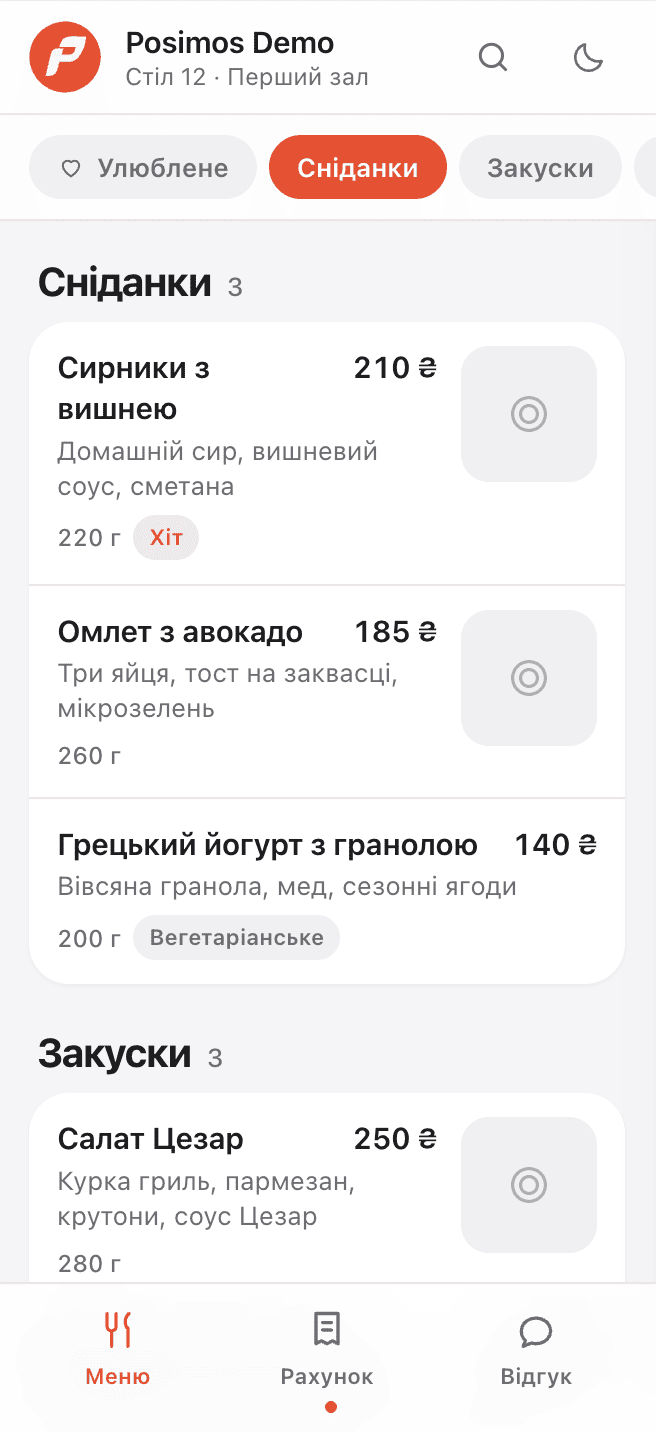
Guests scan the sticker and get the live menu, their running bill and a place to rate the visit. All of it is built from your POS catalogue, so it can’t go stale.
Included in every plan · No commission on orders · Nothing for guests to install
Three errands the table runs for you.
Every one of them currently needs a server, a printer or a piece of luck.
Today
Two prices change, so the menu goes back to the print shop.
With Posimos Menu
Edit the price in the POS — the menu at the table is already right.
Today
A guest waves for the bill, then waves again to check a line on it.
With Posimos Menu
They open the running bill on their phone, item by item, whenever they like.
Today
You hear about the cold soup from a review posted three days later.
With Posimos Menu
The rating arrives in your dashboard with the table and the time on it.
Scan to review, in under a minute.
No app, no login, no Wi-Fi password on a laminated card. The camera is the whole install.
Points the camera at the sticker
It opens in the phone’s browser. Nothing to download, nothing to sign up for.
Works on any phone from the last decade
One code per table, or one for the whole venue
Reads the menu, in their language
Photos, descriptions, modifiers and allergens — with the sold-out dishes already gone.
Language picked from the phone, dark theme included
Search and favourites for regulars
Checks the bill and rates the visit
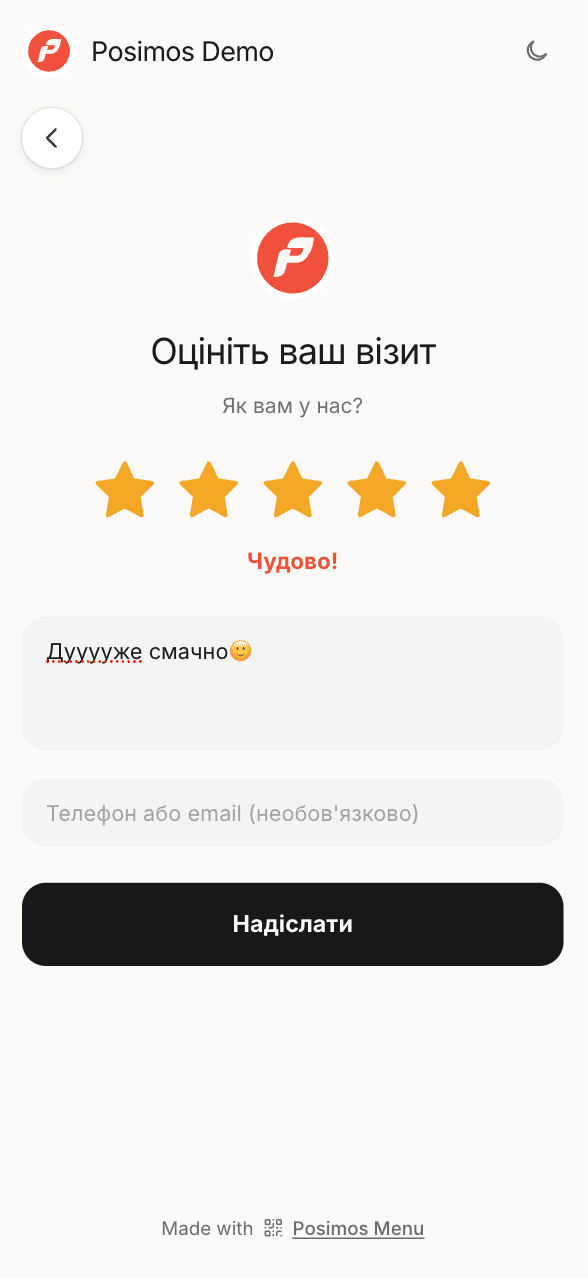
The same code shows what the table owes, then asks one question about how it went.
Bill updates as the kitchen fires each course
Rating and comment land with you, not with Google
The menu maintains itself.
Reviews
Bad news, first hand.
The review form sits behind the same code as the menu, so guests answer while they are still at the table. Anything under four stars pings you that evening, with the table and the shift attached — in time to fix it, apologise, or comp a coffee.
Stickers
We print the codes. Free.
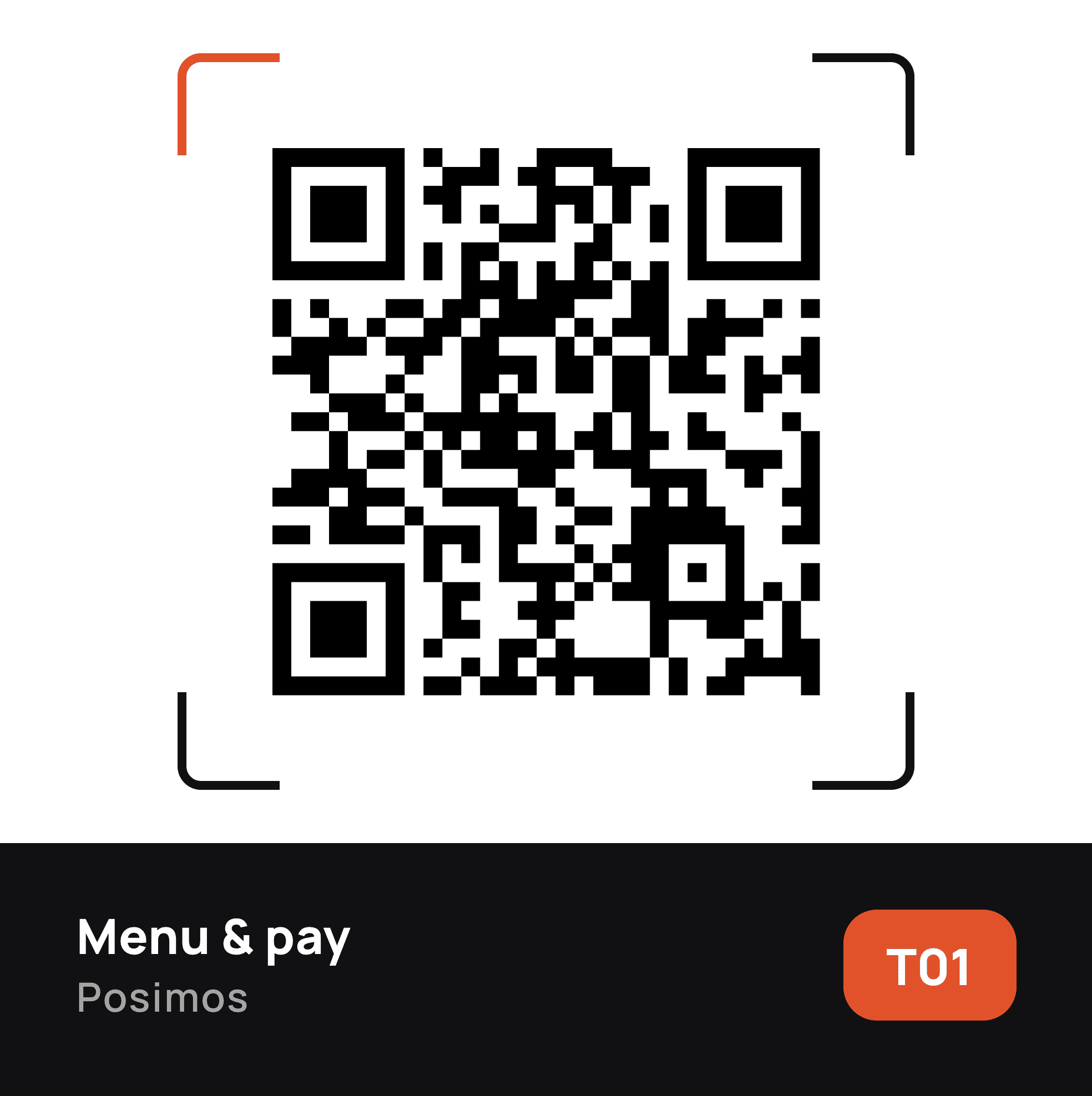
Tell us how many tables you have and the stickers arrive in the post — light or dark, matt, table-proof. Scan one yourself to bind it to a table; scan a spare when a guest walks off with the original.
Turned on from the dashboard.
It is part of your plan, not a separate product — so there is nothing to buy and no data to move.
Connect it in the marketplace
Dashboard → Marketplace → Posimos Menu → Connect. Your menu is generated from the catalogue on the spot.
Dress the menu
Logo, accent colour, dish photos and descriptions. Skip it and the menu still works — it just reads like a price list.
Order the stickers
Choose light or dark, say how many tables, give us an address. We print and ship them free.
Put them on the tables
Scan each one once to bind it to its table. The first guest of the next service does the rest.
Already on a Posimos plan? Open the marketplace ›
QR menu questions.
Connect Posimos Menu in the marketplace and the menu is built from your POS catalogue immediately. Add photos if you want to, order the stickers, and you are live the same day.
No. Posimos Menu is part of every plan, the stickers are printed and shipped free, and we take no percentage of what a table orders.
No. They see the bill down to the last line and then pay at the table as usual — card, cash or transfer.
Any phone camera from the last decade opens it, and staff can text or AirDrop the menu link. There is also a printed fallback: the code page prints as an A4 menu.
You do, first. Reviews arrive in the dashboard unpublished; you decide which ones go on the public feed, and low ratings notify the manager on shift.
Included in every plan
Put it on the tables this week.
Connect it today, and the stickers are on their way before your next order of napkins.
No card required · Stickers printed free