 Oleksii Andriiuk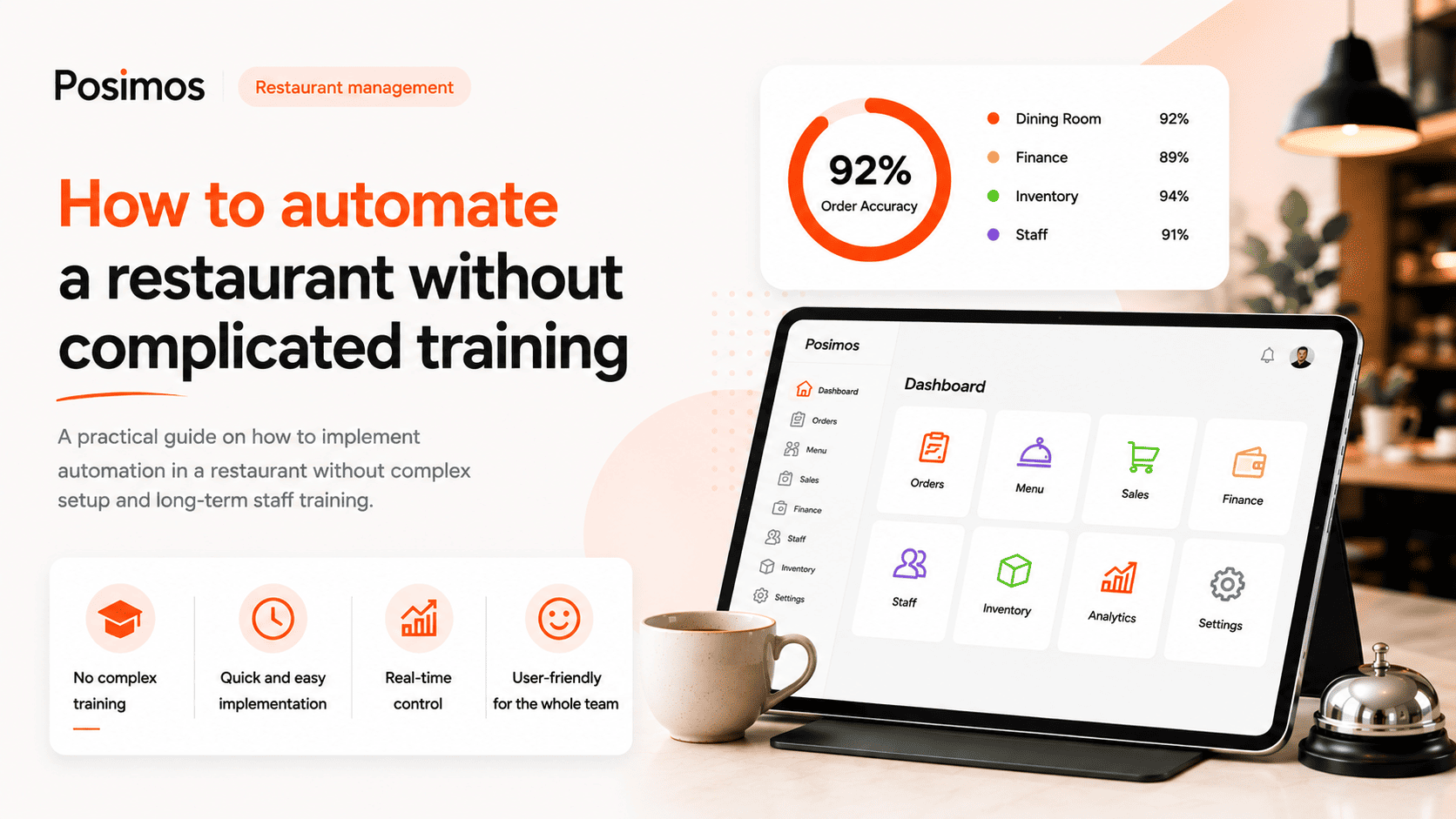
How to automate a restaurant without complex training
Many restaurant owners postpone automation because they worry that staff will require extensive training, daily operations will slow down, and a new system will create more problems than it solves. In reality, modern POS systems are designed to simplify restaurant management—not make it more complicated.
When a system has an intuitive interface and a logical workflow, employees can become confident using it after just a few hours of hands-on practice. Automation quickly becomes a natural part of everyday operations rather than a complicated IT project.
In this article, we'll explain how to implement restaurant automation without disrupting your business or overwhelming your team.
Why Many Restaurants Delay Automation
The most common reason is fear of change. Restaurant owners often worry that employees won't adapt quickly to a new system and that daily operations will become less efficient during the transition.
Typical concerns include:
- Staff training will take several weeks.
- Employees will make frequent mistakes.
- Restaurant operations will need to be interrupted.
- Managers will spend all day answering questions.
- An IT specialist will be required.
In reality, these problems usually occur only with outdated or overly complicated software.
Choose a System with an Intuitive Interface
The speed of employee training depends largely on how easy the system is to use.
A modern POS system should allow staff to complete everyday tasks in just a few clicks, including:
- Creating an order
- Adding menu items
- Applying modifiers
- Printing receipts
- Closing an order
If simple tasks require navigating through multiple menus, training will naturally take much longer.
Start with the Basic Features
There's no need to introduce every feature on the first day.
A step-by-step implementation works much better:
- Operating the POS.
- Creating orders.
- Accepting payments.
- Closing shifts.
- Inventory management.
- Reports and analytics.
This approach helps employees learn naturally without feeling overwhelmed.
Create Short Video Tutorials
Most people learn faster by watching practical demonstrations than by reading long manuals.
Instead of lengthy documentation, create short 2–3 minute videos explaining topics such as:
- How to create an order
- How to process a refund or cancellation
- How to find a product
- How to open or close a shift
- How to apply discounts
These tutorials also make onboarding new employees much easier in the future.
Automate Repetitive Tasks
The less manual work your team performs, the fewer mistakes they make.
Automation helps you:
- Automatically deduct ingredients after each sale
- Track inventory levels
- Generate reports without manual calculations
- Monitor sales performance
- Manage recipe cards
- View real-time business analytics
This allows employees to focus on delivering excellent customer service instead of handling repetitive administrative tasks.
Train Employees While They Work
There's no need for multi-day training sessions.
If the system is easy to use, most teams only need:
- A short introductory training session
- A few hours of hands-on practice
- Manager support during the first working day
For most restaurants, this is enough for employees to become comfortable using the system.
Choose a Solution That Grows with Your Business
Your POS system should work just as well for a small café as it does for a large restaurant or a multi-location business.
As your business grows, you can add features such as:
- Inventory management
- Loyalty programs
- QR menus
- Online ordering
- Business analytics
- Staff management
This allows you to expand your operations without replacing your software.
Conclusion
Restaurant automation doesn't have to be complicated. When a POS system offers an intuitive interface, simple workflows, and automation for everyday tasks, employees can adapt quickly with minimal training.
The result is less administrative work, fewer mistakes, and greater visibility into every aspect of your restaurant's operations.
That's why modern solutions like Posimos are designed to be easy to learn from day one, helping restaurant owners gain better control over their business while enabling staff to work more efficiently.